How TapReview works
Your customer taps your card. Their phone opens your Google Review page. That's it.
Three steps. That's it.
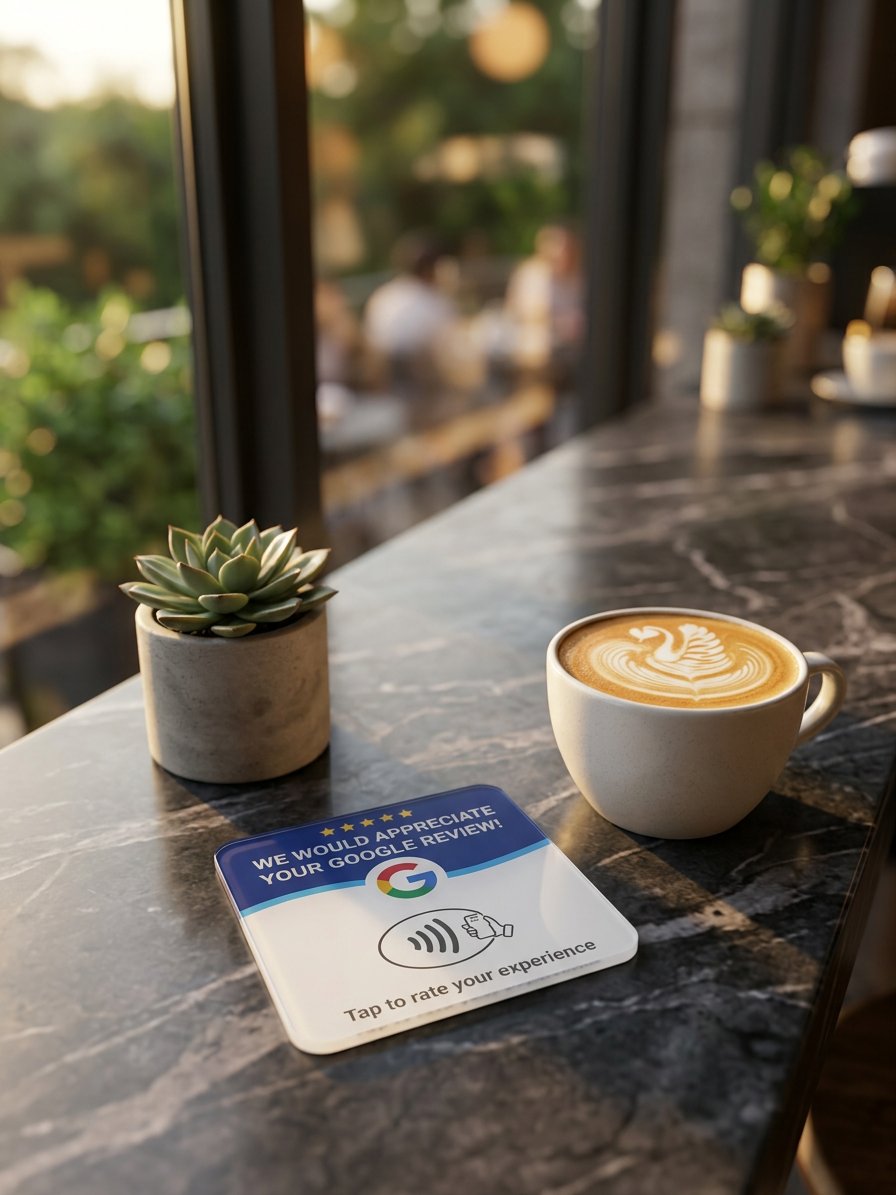
Place your card
Put your TapReview NFC card on your counter, table, or reception desk. It's credit card sized and looks professional.
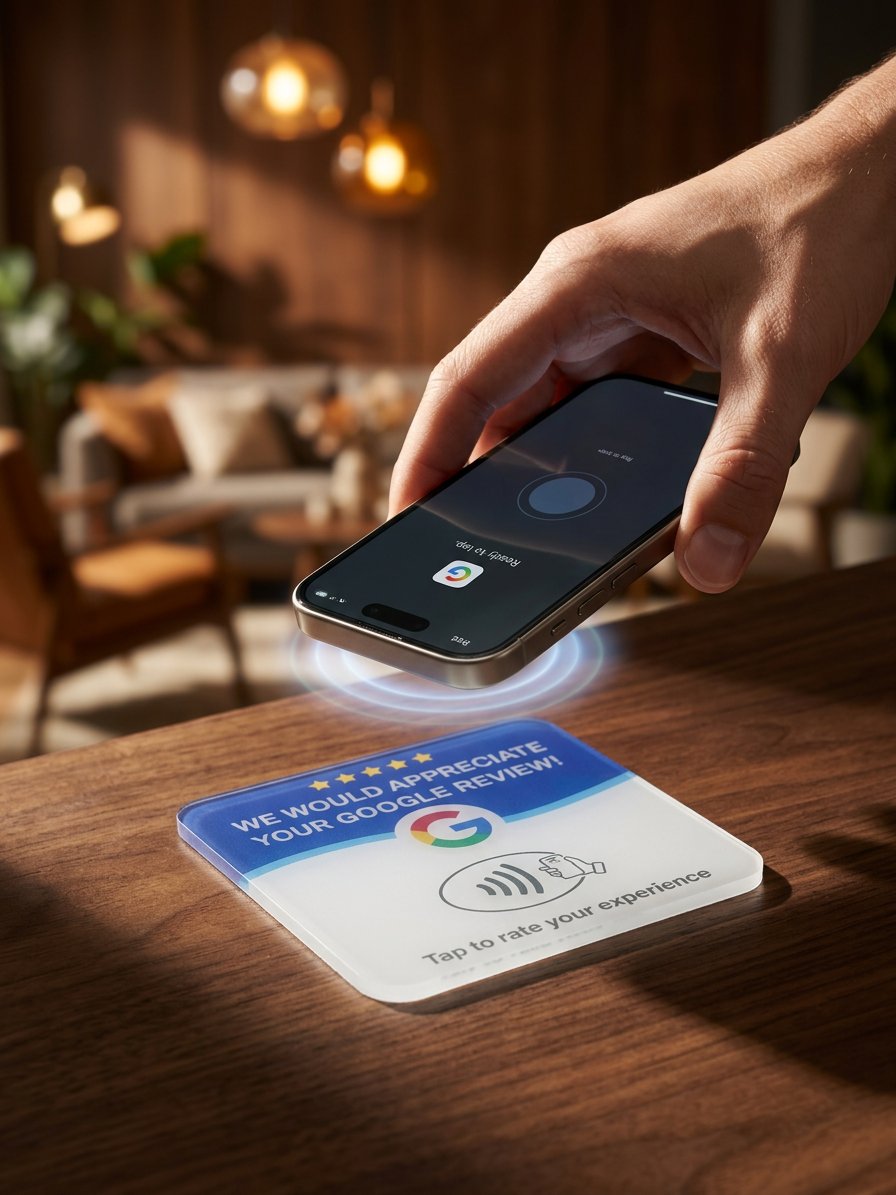
Customer taps
Your customer taps their phone on the card. The NFC chip communicates with their phone instantly. No app download, no QR scan, no typing.
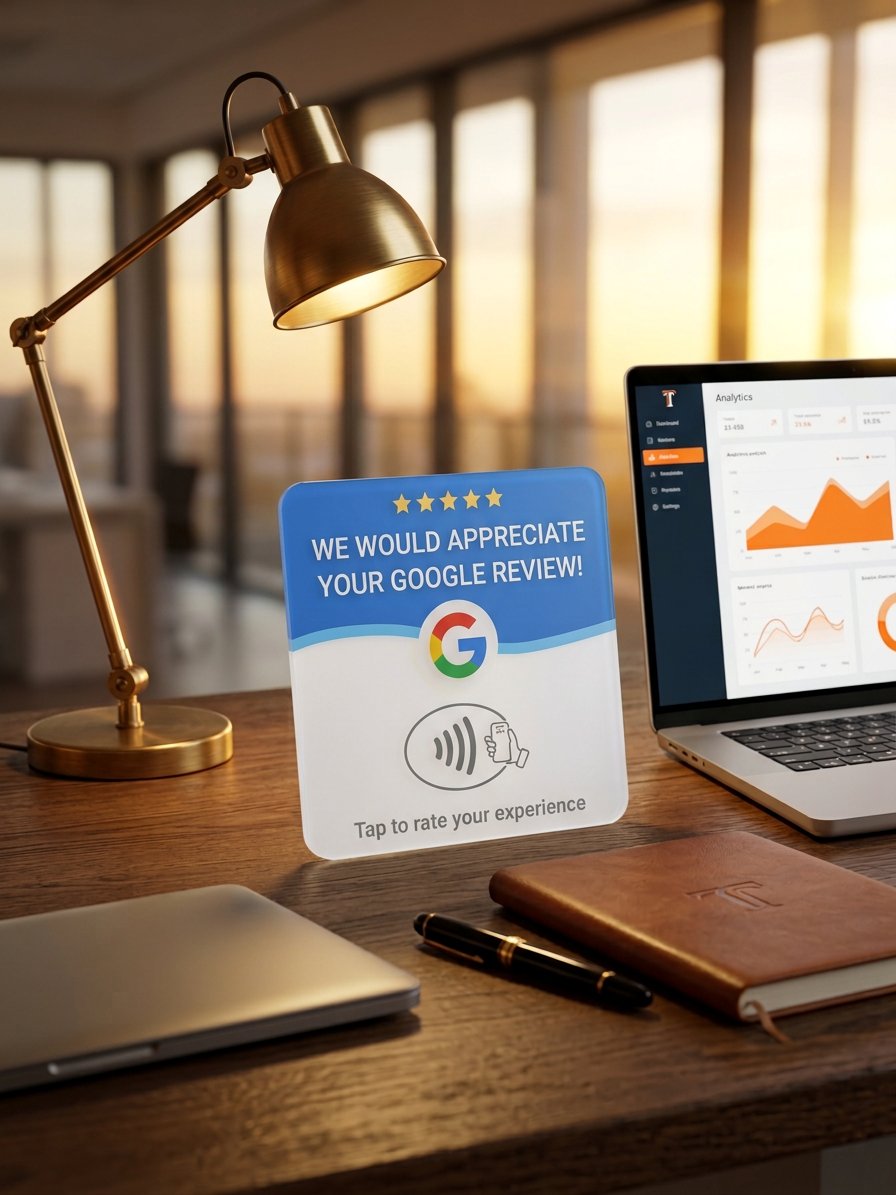
Review page opens
Their phone opens your Google Review page directly. The customer writes their review and you build your online reputation.
Getting your card
We handle the setup so you don't have to
Submit your enquiry
Fill out the form on our website with your business name and contact details. Takes about 2 minutes.
We set up your card and account
Our team configures your NFC card redirect, creates your dashboard account, and tests everything. 1–2 business days.
Your card is shipped to you
We ship your configured NFC card to your business. Delivery takes 3–5 business days. Place it on your counter and you're ready.
What you need to get started
A Google Business Profile
This is where your reviews live. If you don't have one, we can help point you in the right direction.
A counter, desk, or table
Somewhere visible where customers can see and tap the card.
That's it
No app to install, no software to configure, no technical skills required. We handle everything.
Ready to get your TapReview card?
It takes just 2 minutes to submit your enquiry. We handle everything else.